 overseasales@jwele.com.cn
 English

 Login


As AI becomes more widely adopted, choosing the right OPS computing module is no longer just a matter of processor performance. Buyers also need to consider AI capabilities, platform architecture, display compatibility, connectivity, and long-term deployment requirements.
So, what is the difference between standard OPS and AI OPS? Which computing platform is best suited to each use case, and when should businesses consider an AI-enabled solution?
JWIPC and Intel jointly customized the IFPD standard, this guide explains where standard OPS fits, when AI OPS may be appropriate, and which specifications should be checked before B2B purchase.
What Is the Difference Between OPS and AI OPS?
OPS (Open Pluggable Specification) is a standardized computing module format designed for integration with compatible interactive flat panels and commercial displays (This standard was jointly customized by JWIPC and Intel). It allows computing hardware to be installed directly into a display, reducing external cabling and simplifying system deployment.
AI OPS extends this concept toward intelligent applications. In addition to providing computing capabilities for display systems, it supports AI-oriented functions such as speech recognition, intelligent analysis, and AI-assisted classroom services, depending on the hardware configuration and software environment.
The main difference is therefore not simply the physical module format. It is the intended application workload and the computing capabilities required to support it.
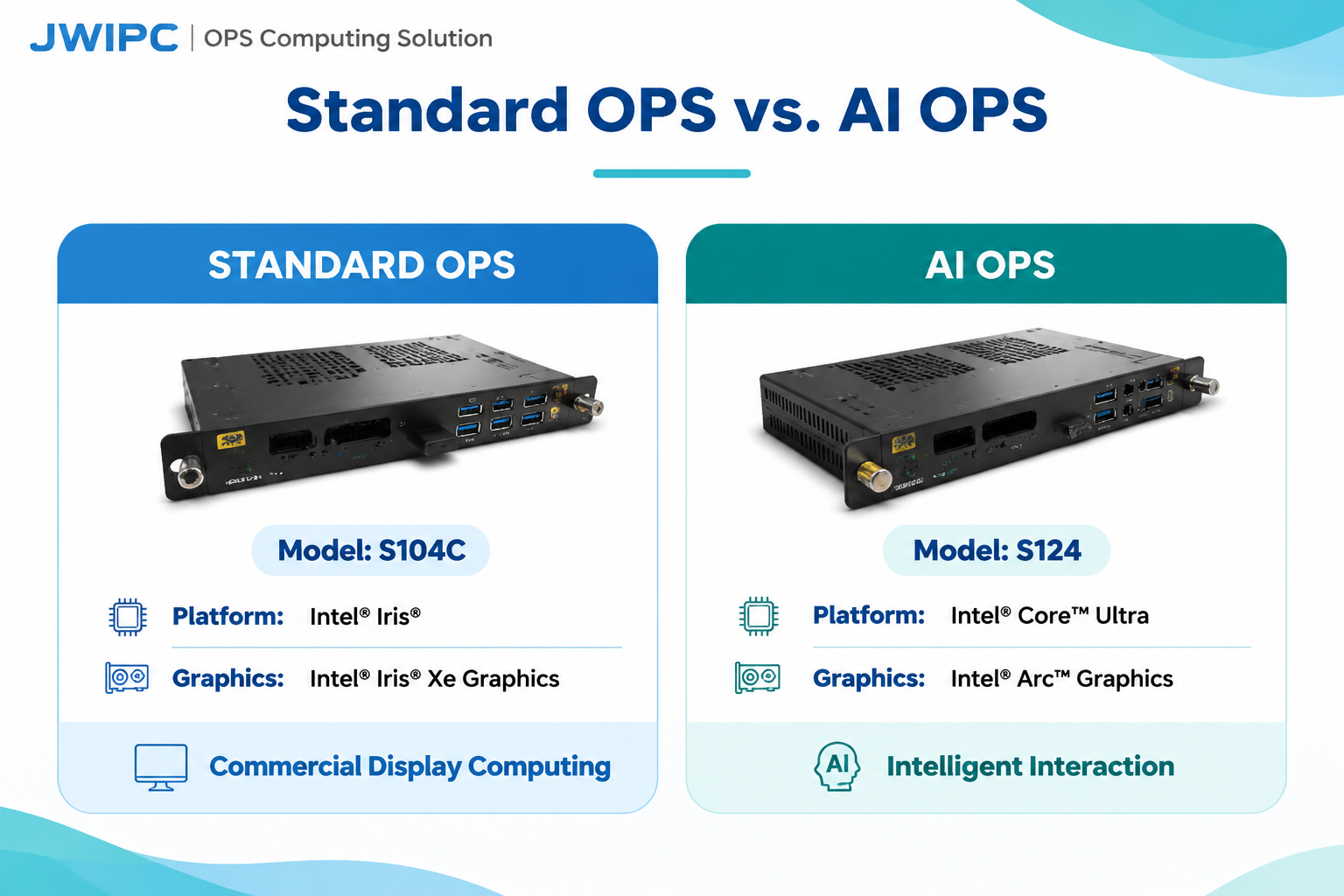
Comparison | Standard OPS | AI OPS |
Primary purpose | Display computing and interactive applications | AI-enabled display and intelligent interaction |
Typical applications | Digital classrooms, presentations, interactive displays, meeting rooms | AI-assisted teaching, speech recognition, intelligent analysis, meeting room collaboration |
Computing requirements | General-purpose processing and graphics | Additional AI workload support |
Software requirements | Operating system and display applications | AI applications and compatible software environment |
Choose Between Intel Mobile and Desktop OPS Platforms
OPS platform selection should begin with the intended display environment and hardware requirements.
Mobile Platform OPS
Mobile platform OPS modules are designed around computing requirements and compatible mobile processor platforms. They are suitable for applications where device integration, space efficiency, and display functionality are priorities.
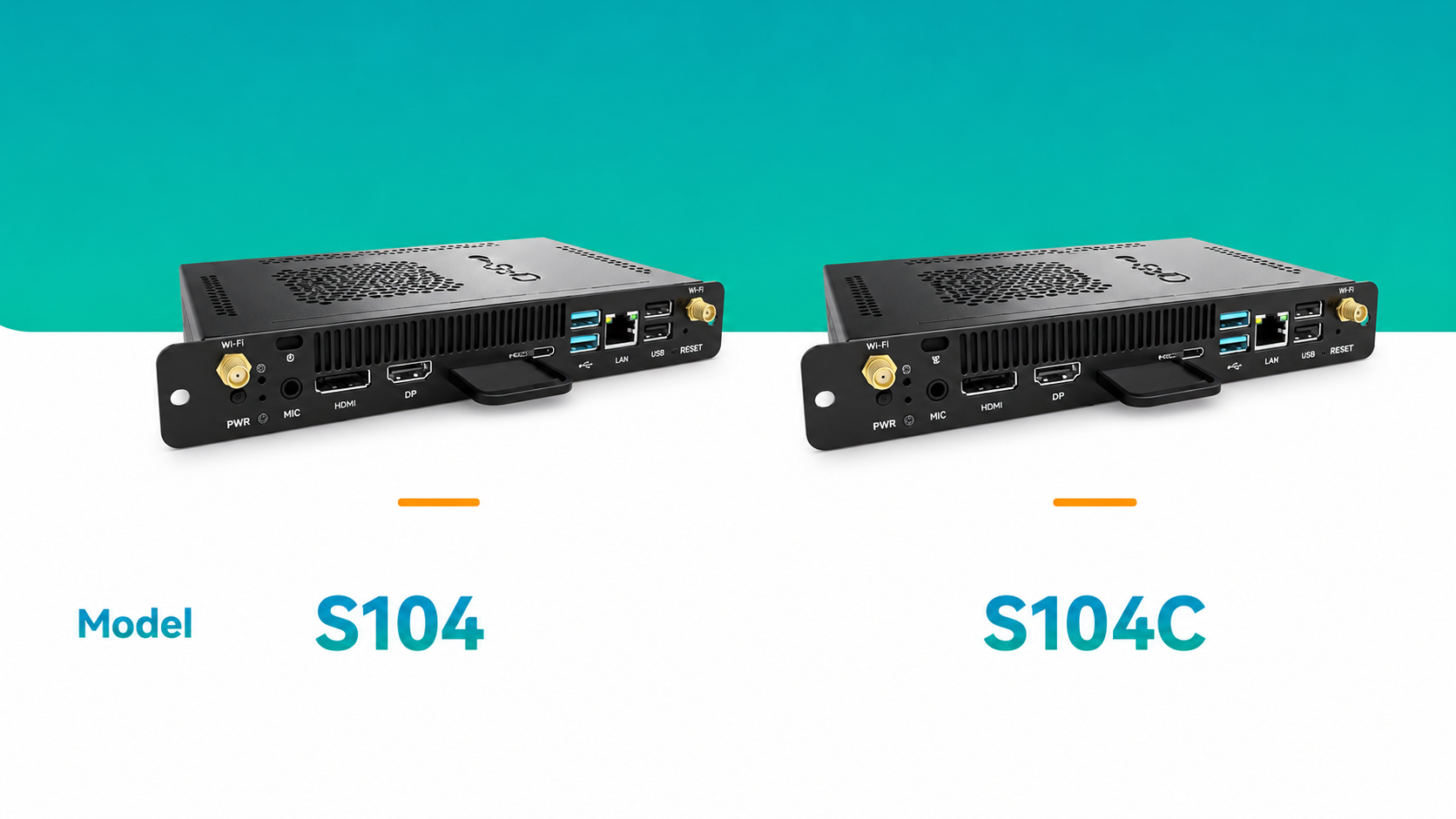
JWIPC's OPS products include mobile platform AI OPS products such as S124 and S134, as well as standard OPS models including S104 and S104C.
JWIPC's also presents desktop platform OPS-C products, including S102 and S102T.
Before selecting a platform, buyers should confirm supported processor architecture, memory requirements, and operating system compatibility.
JWIPC provides multiple OPS product types to meet different requirements, including application scenarios, budget, and I/O needs.
AI OPS and Standard OPS: Application Scenarios and Product Examples
The best platform depends on the functions the display needs to perform.
AI OPS S124: Meeting Room Applications
JWIPC’s S124 AI OPS can serve as the computing platform for compatible interactive displays in meeting rooms. With the appropriate software and configuration, it can support AI-assisted workflows before, during, and after meetings.
Applications include:
· Real-Time Transcription: Convert spoken discussions into text for live reference and meeting records.
· Live Translation: Display translated captions to support multilingual meetings.
· Meeting Summaries: Capture key discussion points, decisions, and action items for follow-up.
· Knowledge Assistant: Retrieve relevant information from authorized documents and knowledge bases during discussions.
· Interactive Whiteboarding: Turn brainstorming notes into structured outlines and share them after the meeting.
These applications make the S124 relevant to hybrid meetings, multilingual collaboration, and team workshops.
AI OPS S124: Intelligent Classroom Applications
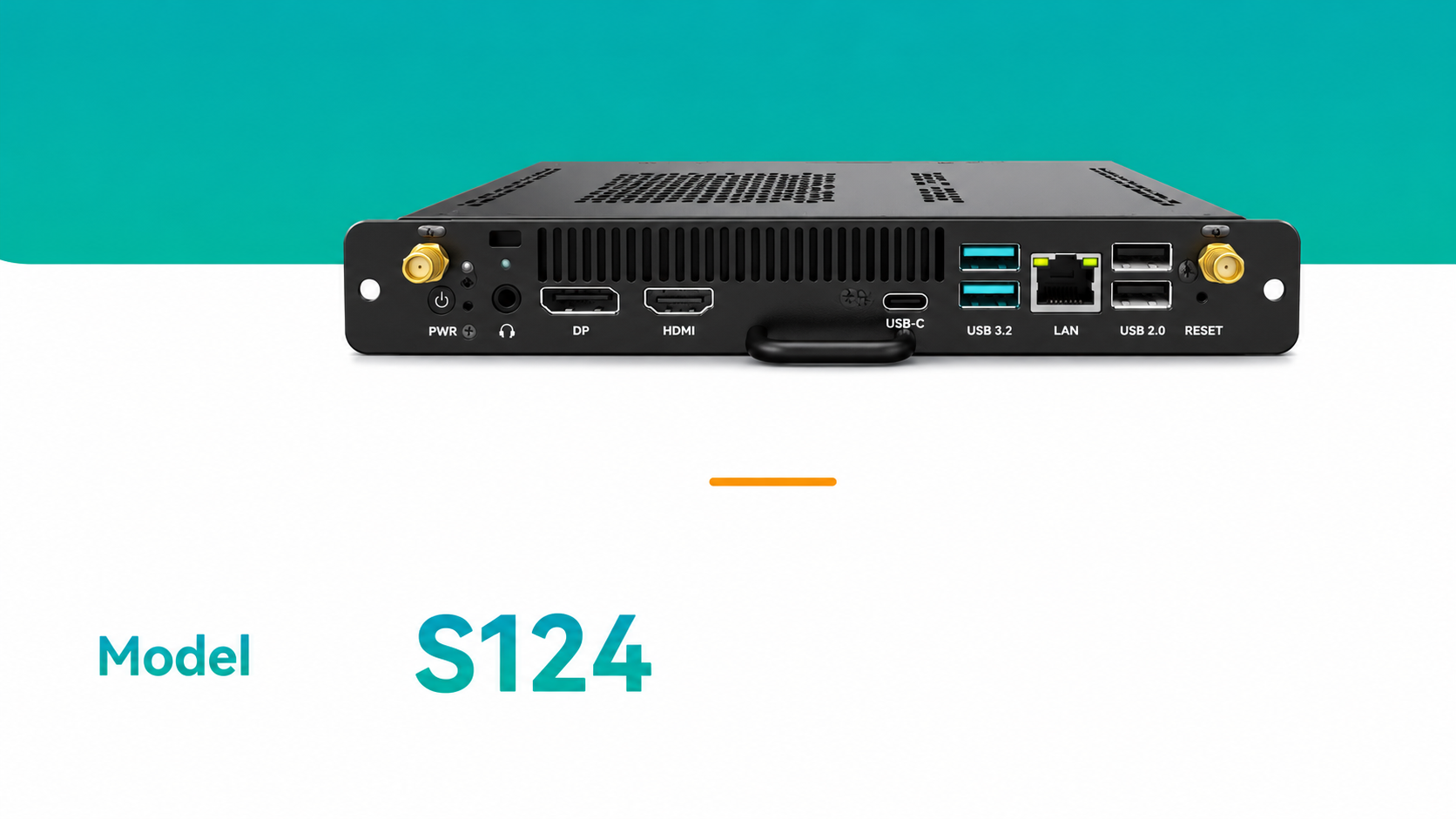
JWIPC’s S124 AI OPS also powers compatible interactive displays in classrooms, supporting intelligent teaching and interactive learning applications. Its application positioning includes:
· AI Speaking Teacher: Speech recognition, simulated dialogue, and customized services.
· Knowledge Assistant: Information retrieval and learning support.
· AI Explanation: Intelligent explanations and teaching assistance.
· Classroom Assistant: Classroom management and interaction.
· Intelligent Analysis: AI-supported learning analysis.
· Personalized Service: More tailored learning experiences.
These functions make AI OPS relevant to educational environments exploring intelligent teaching and interactive learning.
With the right software and configuration, S124 AI OPS can help transform compatible displays into intelligent meeting and classroom platforms. But buyers should confirm application support, system compatibility, and deployment requirements before procurement.
Standard OPS S104: General Computing
JWIPC's standard OPS S104 is presented as a general-purpose display computing solution. It features including Intel Arc graphics, dual-channel SODIMM DDR5 memory, support for three 4K UHD displays, PCIe 4.0 storage, a 2.5Gbps Ethernet port, Wi-Fi 7, and Intel vPro technology.
These capabilities make the platform suitable for education and meeting room requiring multimedia presentation, interactive applications, and reliable daily operation.
For businesses evaluating an intel ops pc, processor platform, graphics output, memory, and connectivity should all be considered together.
Compatibility and Deployment Checks Before Bulk Procurement
Before purchasing an ops pc, buyers should verify the following:
· Power Delivery: Check whether the display can supply the module's required power.
· Signal Routing: Verify supported display interfaces and video output configurations.
· Touch and Peripheral Support: Confirm compatibility with touchscreens, cameras, microphones, and external USB devices.
· Operating System: Check OS, BIOS, driver, and application requirements.
· Thermal Conditions: Evaluate ventilation and operating temperature under continuous workloads.
For large-scale projects, request a sample module and conduct compatibility testing with the target display before confirming mass production.
JWIPC provides multiple ops pc module configurations for different commercial display requirements. Buyers can consult the product team to confirm the appropriate platform and configuration.
Conclusion
The right OPS solution should match the display, workload, and deployment environment. Standard OPS is suitable for general applications, while AI OPS is designed for intelligent interaction and AI-assisted applications. Platform architecture, connectivity, and software support should all be verified before procurement.
By confirming compatibility, performance, connectivity, and long-term support before purchase, businesses can reduce deployment risk and build a more capable commercial display platform.
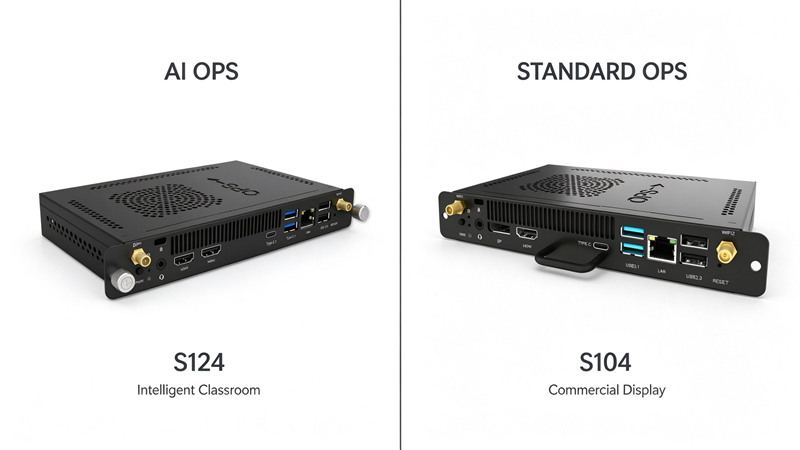
JWIPC offers AI OPS and standard OPS options, including S124 and S104, helping businesses evaluate suitable computing modules for education, meeting rooms, and other interactive environments.
Frequently Asked Questions
Does AI OPS automatically include AI applications?
Not necessarily. AI functionality depends on compatible hardware, software, models, and application deployment.
Can one OPS module support multiple displays?
This depends on the module's graphics capabilities and available video outputs. Check the product configuration before deployment.
What is the difference between OPS and OPS-C?
They represent different module specifications and form factors. Buyers should verify the host display's supported interface before selecting either type.
Should buyers test OPS modules before bulk purchasing?
Yes. Sample testing helps verify mechanical fit, power compatibility, display output, peripheral support, and system stability.


